How to Find Paint Colors from Any Photo (or Ai Image You Love)
Ever fall in love with a wall color online, only to realize no one knows what it is? Whether it’s an AI-generated room, a Pinterest photo, or a random video clip, it’s frustrating when you can’t figure out the paint color.
The good news? You can absolutely get close to the real thing — even if it’s not a real space. Here’s a simple, fool-proof way to color match any image.
1. Save the Image or Take a Screenshot
Find the photo that inspired you and save it to your phone or computer. Try to grab one that’s bright and clear — not overly filtered or edited.
The truer the lighting, the better your match will be.
2. Upload the Photo to a Paint Color Finder
Instead of guessing, let a color-matching tool do the work for you. You can upload your photo to any of these free options:
Once you upload the image, the tool will show you similar paint shades from that brand. You’ll instantly see a list of color names and numbers you can take to the paint store.
3. Or, Upload It to ChatGPT
If you’re using ChatGPT, you can upload your image directly and ask:
“What paint colors from Sherwin-Williams or Benjamin Moore look closest to the wall color in this photo?”
ChatGPT can analyze the tones and suggest a few real paint colors across popular brands. It’s a great way to get ideas if you’re comparing multiple rooms or want to see which brand has the best match.
4. Test the Color in a Virtual Room
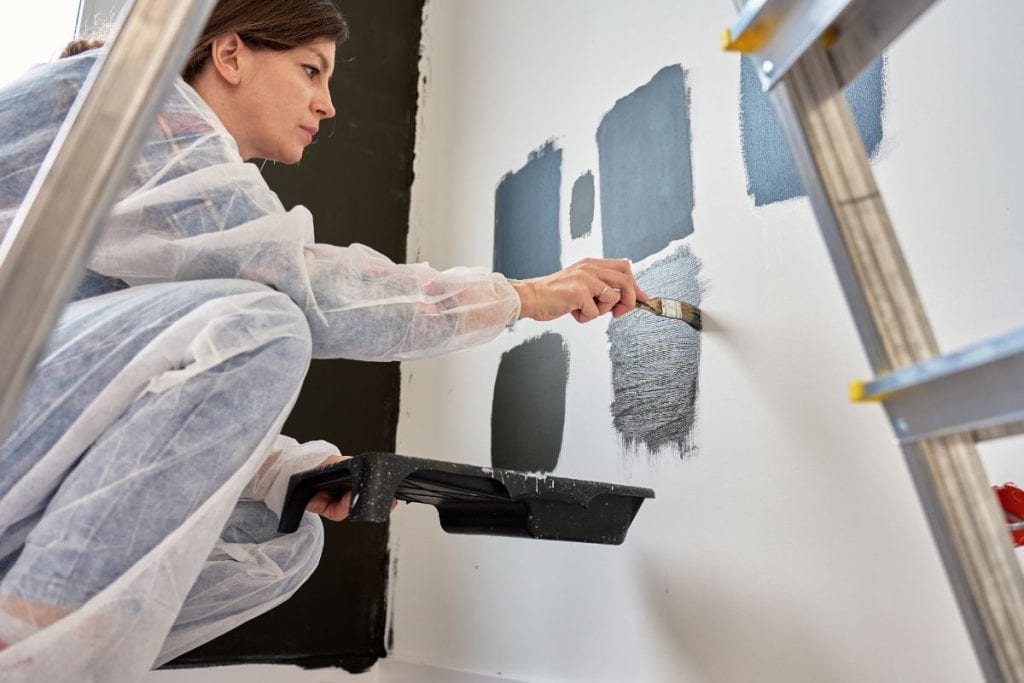
Before buying, test your chosen paint shade using each brand’s virtual room visualizer.
You can upload a photo of your own room and “paint” the walls digitally — it helps reveal undertones that might not show in the original image.
5. Always Sample Before You Paint
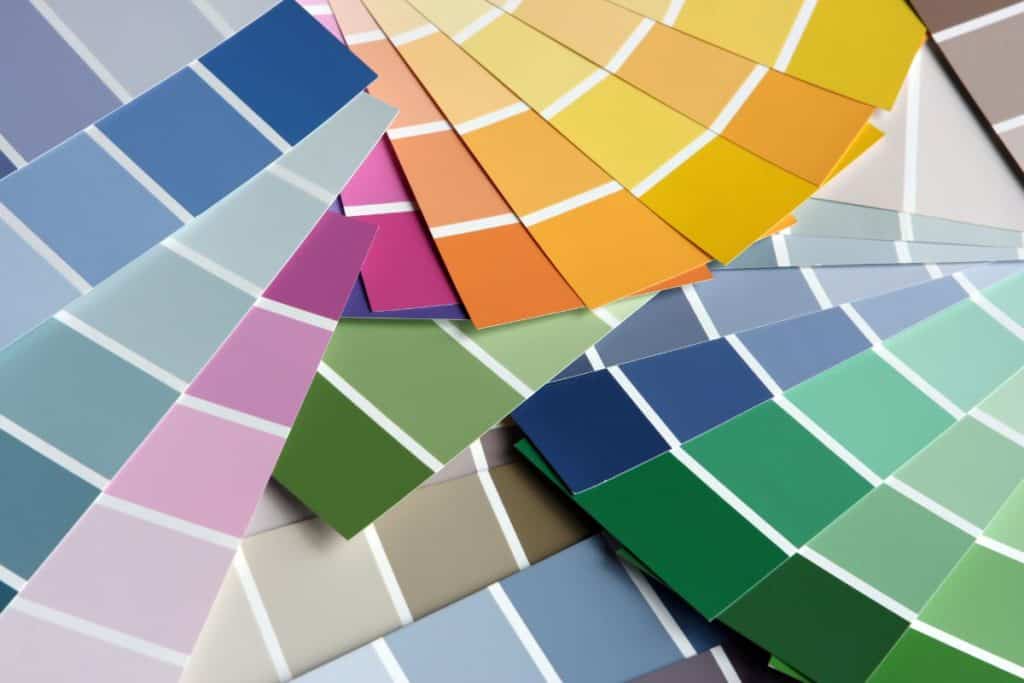
Even the best digital match can look different in your lighting. Order peel-and-stick samples or pick up a small sample pot and try it on your wall.
Check it in daylight and at night to make sure it feels right in your space.
Quick Recap
✔️ Save the image
✔️ Upload it to a color-matching tool or ChatGPT
✔️ Try the suggested shades in a virtual visualizer
✔️ Always test before committing
More Paint Tips Before You Choose a Color
Choosing the right paint color is only the first step. These guides will help you test your color with confidence and avoid some of the most common painting mistakes.
🎨 Test Paint Colors Before You Commit
Seeing a paint color on your phone is one thing—seeing it on your own walls is another. Peel-and-stick paint samples made with real paint let you compare colors in your home’s natural light before buying gallons of paint.
→ Read: Peel and Stick Paint Samples Using Real Paint From Samplize
❌ Avoid These Common Paint Color Mistakes
From ignoring undertones to forgetting how lighting affects color, these are the biggest mistakes homeowners make when choosing paint—and how to avoid them.
→ Read: 10 Mistakes People Make When Choosing Paint Colors
Conclusion
At the end of the day, paint colors can be tricky — especially when the photo isn’t of a real space. But with a few easy tools (or even a quick upload to ChatGPT), you can get a near-perfect match without guessing or wasting time scrolling through comments.
Whether you’re trying to recreate a cozy neutral living room or that dreamy moody bedroom you saw online, this process takes the mystery out of it. Save your favorite matches, order a few samples, and see which one makes your space feel just right.
Because the goal isn’t to copy the exact shade — it’s to find a color that gives you that same feeling you fell in love with in the photo.